

Key Takeaways
- You only need a handful of affordable printer cleaning supplies to keep an inkjet or laser machine running smoothly for years.
- Lint-free wipes, isopropyl alcohol, and distilled water do most of the heavy lifting, no special kits required.
- Match the supply to the job: dry cloths for dust, alcohol for stubborn ink, and cotton swabs for tight corners.
- Never use paper towels, tap water, or household glass cleaner on delicate parts like print heads or drums.
- A small kit stored near your printer makes monthly upkeep a five-minute habit instead of a dreaded chore.
If your prints have started looking streaky, faded, or smudged, the fix is often simpler than you think. In my years of testing home and small-office machines, most problems traced back to dust, dried ink, or grimy rollers, not a broken printer. The good news is that a clean machine rarely needs a repair call. By the end of this guide, you’ll know the seven printer cleaning supplies that actually matter, exactly what each one does, and which everyday products to keep far away from your gear.
Why the Right Cleaning Supplies Matter
Printers are full of sensitive parts. Print heads have microscopic nozzles, laser drums carry a delicate coating, and rollers rely on a specific grip to feed paper. The wrong cleaner can scratch, corrode, or leave residue that makes things worse.
Using the right printer cleaning supplies protects those parts and saves money over time. A few dollars of alcohol and wipes can prevent a clogged head or a jammed feed that might otherwise cost you a new cartridge or a service visit. If you want the bigger picture on upkeep, our complete guide to printer maintenance ties all of these habits together.
The 7 Best Printer Cleaning Supplies
Here are the seven items I reach for again and again. You likely have some already, and the rest are cheap and easy to find. Together they cover nearly every cleaning task a home or office printer will ever need.
1. Lint-Free Microfiber Cloths
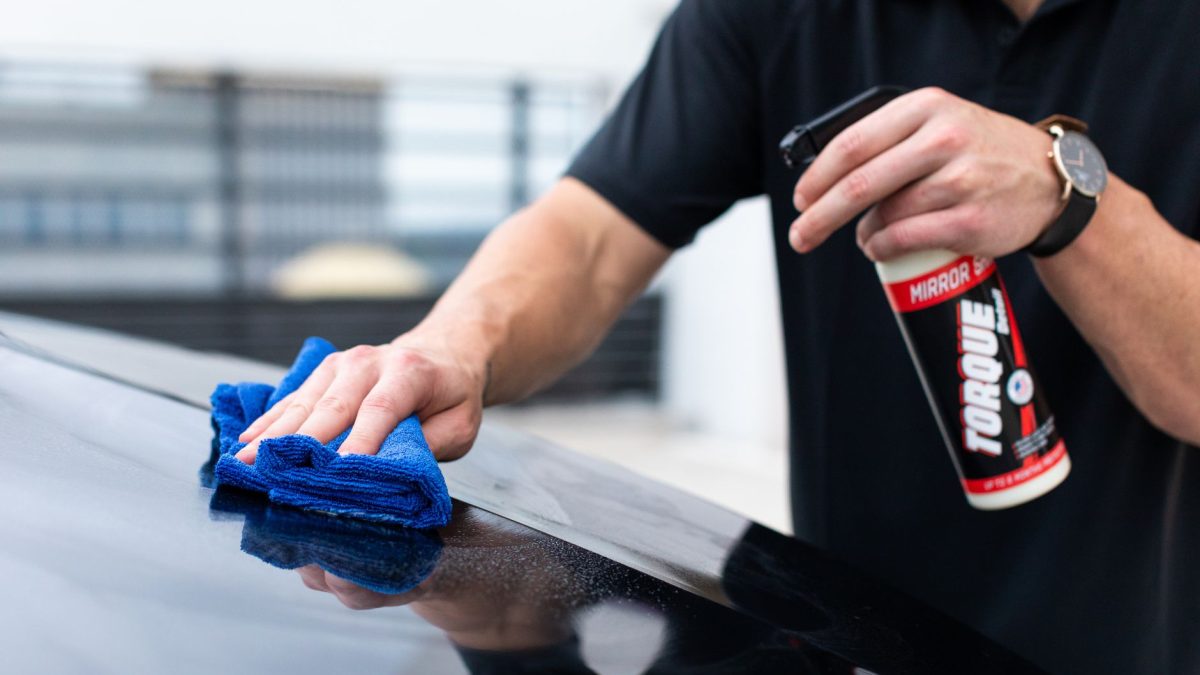
A soft, lint-free microfiber cloth is the single most useful supply you can own. It lifts dust and dried toner without leaving fibers behind, and it won’t scratch glass scanner beds or plastic housings.
Keep two on hand: one dry for dusting and one you can dampen for smudges. Wash them without fabric softener, since softener leaves a film that can transfer to surfaces.
2. Isopropyl Alcohol (90% or Higher)
High-strength isopropyl alcohol is the go-to for dissolving dried ink, cleaning rubber rollers, and wiping down contact points. It evaporates fast and leaves no residue, which is exactly what electronics need.
Aim for 90 percent or higher. Lower-strength rubbing alcohol holds more water, which dries slowly and can leave moisture where you don’t want it. Apply it to a cloth or swab, never pour it directly into the machine.
3. Distilled Water
Distilled water is perfect for gentle cleaning and for soaking a clogged inkjet print head. Unlike tap water, it has no minerals that can dry into deposits and block those tiny nozzles.
A small bottle lasts a long time. I use it to dampen cloths for the outer case and to dilute cleaning when full-strength alcohol feels too aggressive for a delicate spot.
4. Cotton Swabs
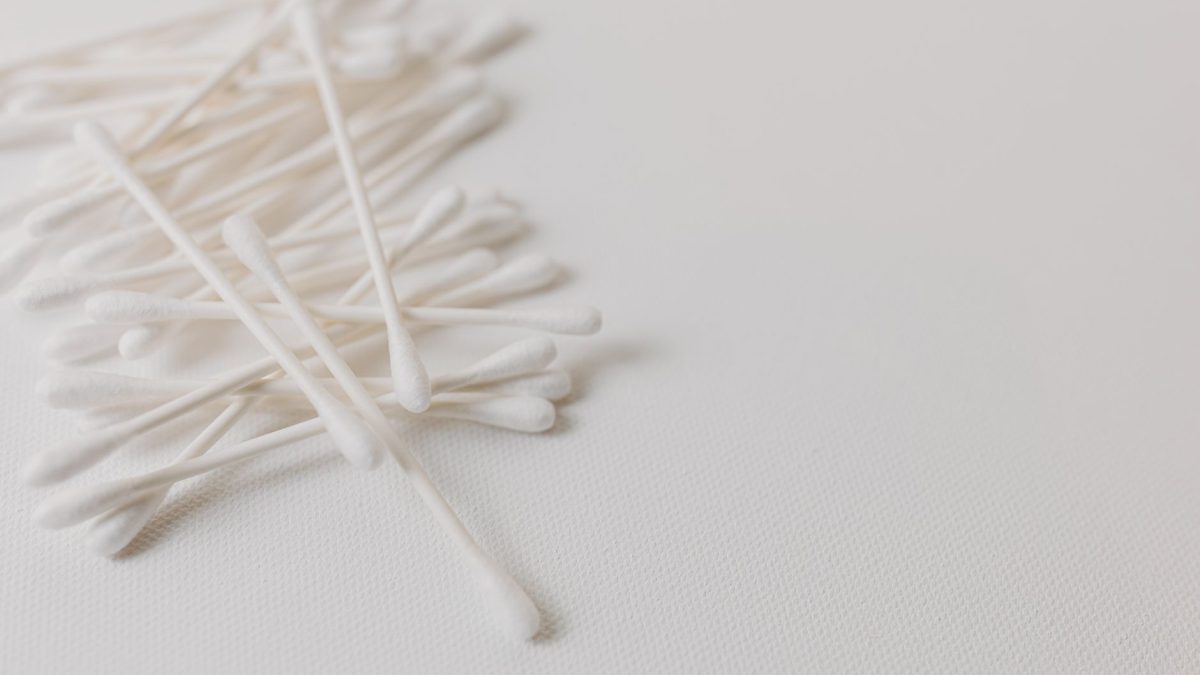
Cotton swabs reach the corners a cloth can’t. They’re ideal for cleaning around ink cartridge contacts, along roller edges, and in the narrow channels where dust collects.
Dip one in alcohol, squeeze out the excess, and work slowly. Toss any swab that starts shedding fibers, since stray cotton inside a printer causes the same jams you’re trying to prevent.
5. Compressed Air (Used Carefully)
A can of compressed air blows dust out of vents and paper paths without touching anything. It’s especially handy for laser printers, where fine toner dust settles into every crevice.
Use short bursts from a distance, and keep the can upright so it doesn’t spray cold liquid. For laser machines, blow toner dust outdoors or into a bag so it doesn’t drift back into the room.
Warning: Never use a household vacuum on loose toner. Standard vacuums push the ultra-fine particles right through the filter and into the air. Use a wipe or a can of air, or a toner-rated vacuum if you have one.
6. Cleaning Sheets or a Cleaning Kit
Roller cleaning sheets feed through the printer like paper and pick up ink, dust, and debris from the feed path. They’re a simple way to clean parts your hands can’t safely reach.
Many brands sell generic sheets that work across inkjet and laser models. They’re optional, but if roller grime causes frequent misfeeds, a pack is well worth the small cost.
7. A Small Soft Brush
An anti-static or soft-bristle brush sweeps dust from tight spots without static shock. A clean makeup brush or a soft paintbrush works fine for the outside and the paper tray.
Pair the brush with compressed air: loosen dust with the brush, then blow it clear. It’s the gentlest way to handle sensor windows and other spots you’d rather not rub.
Quick Comparison: Which Supply for Which Job
| Supply | Best For | Inkjet or Laser |
|---|---|---|
| Microfiber cloth | Dusting, smudges, scanner glass | Both |
| Isopropyl alcohol (90%+) | Dried ink, rollers, contacts | Both |
| Distilled water | Soaking print heads, gentle wipes | Mostly inkjet |
| Cotton swabs | Tight corners, cartridge contacts | Both |
| Compressed air | Dust in vents and paper paths | Both (great for laser) |
| Cleaning sheets | Feed rollers and paper path | Both |
| Soft brush | Loose dust, trays, sensors | Both |
What Not to Use on Your Printer
Some of the most common household cleaners are the worst choices for a printer. Knowing what to avoid is just as important as owning the right supplies.
- Paper towels and tissues shed lint and can scratch scanner glass and print heads.
- Tap water leaves mineral deposits that clog inkjet nozzles over time.
- Glass cleaner and ammonia can strip coatings and damage rubber rollers.
- Acetone or nail polish remover melts and clouds plastic parts.
- Any spray aimed inside the machine risks pooling liquid on electronics.
Tip: When in doubt, apply liquid to your cloth or swab first, never to the printer. A slightly damp cloth cleans just as well and keeps stray moisture away from the parts that hate it most.
How to Do a Basic Cleaning
Once your kit is ready, a quick monthly wipe-down takes just a few minutes. Here’s the simple routine I follow, and for a deeper walkthrough you can read our guide on how to clean your printer inside and out.
- Turn the printer off and unplug it before you touch anything inside.
- Dust the exterior and paper tray with a dry microfiber cloth or soft brush.
- Wipe the scanner glass with a lightly dampened cloth, then dry it.
- Clean rubber rollers with a swab or cloth dipped in isopropyl alcohol.
- Blow dust from vents and the paper path with short bursts of compressed air.
- Run your printer’s built-in head-cleaning cycle if prints still look streaky.
- Plug it back in and print a test page to confirm the results.
The first time I built a proper kit, I kept it in a small zip pouch beside the printer. That one change turned cleaning from an annual scramble into a painless five-minute habit, and my aging inkjet stopped throwing streaks almost overnight. Small habits like this are exactly what our roundup of habits that extend your printer’s life is all about.
Building Your Kit on a Budget
You don’t need to buy everything at once or spend much at all. Start with a microfiber cloth, a bottle of high-strength isopropyl alcohol, and some cotton swabs. Those three cover the majority of cleaning jobs for both inkjet and laser printers.
Add distilled water, compressed air, a soft brush, and cleaning sheets as you need them. If you’re unsure whether your machine needs more attention, our comparison of inkjet vs laser upkeep needs can help you plan. You can also learn more about how we test and review products on our editorial policy page. For the science behind why alcohol is such a reliable electronics cleaner, the overview of isopropyl alcohol on Wikipedia is a helpful read.
Frequently Asked Questions
Can I use regular rubbing alcohol to clean my printer?
You can in a pinch, but higher-strength isopropyl alcohol (90 percent or more) is far better. Standard rubbing alcohol often contains 30 percent water, which evaporates slowly and can leave moisture inside the machine. The higher concentration dries fast and cleans dried ink more effectively.
How often should I clean my printer?
A light dusting once a month keeps most home and office printers happy. Do a deeper clean of rollers and glass every few months, or sooner if you notice streaks, smudges, or paper misfeeds. Printers in dusty rooms or high-volume offices benefit from more frequent attention.
Is compressed air safe for laser printers?
Yes, when used carefully. Keep the can upright, use short bursts, and blow toner dust outdoors or into a bag so it doesn’t spread. Avoid aiming air directly at the delicate drum. For heavy toner buildup, a wipe or toner-rated vacuum is safer than blowing it around indoors.
Do I really need a special printer cleaning kit?
Not usually. A microfiber cloth, isopropyl alcohol, distilled water, and cotton swabs handle almost everything. Purpose-made cleaning sheets are convenient for stubborn roller grime, but they’re optional. Most people can build a complete, effective kit from items they already have or can buy cheaply.
Why can’t I use paper towels to clean the scanner glass?
Paper towels feel soft but are surprisingly abrasive and shed tiny fibers. Over time they can scratch the glass and leave lint that shows up as spots on scans and copies. A lint-free microfiber cloth cleans just as well without leaving residue or fine scratches behind.
Keep It Simple and Consistent
The best printer cleaning supplies aren’t expensive or fancy. A soft cloth, some alcohol, distilled water, and a few swabs will carry you through years of reliable printing. The real secret is using them regularly instead of waiting for a problem.
Whenever you’re ready, put together your little kit and give your printer a five-minute refresh this week. If it helps, keep exploring our maintenance guides at your own pace, since a calm, steady routine is all it really takes to keep your machine happy.


